Weel Planner is now on Android
Many of you asked for it, and it’s finally here: Weel Planner is on Android. You can get it on Google Play today.
This is version 1. It does less than the iPhone app for now, and we’d rather tell you that up front than have you find out halfway through your week. Here is what you get, what you don’t get yet, and how to tell us what to build next.
What’s in version 1
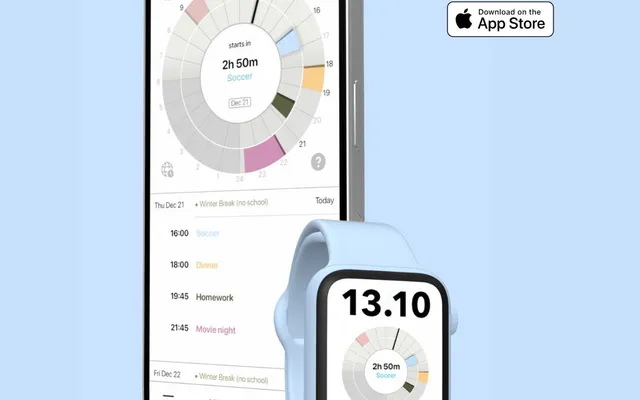
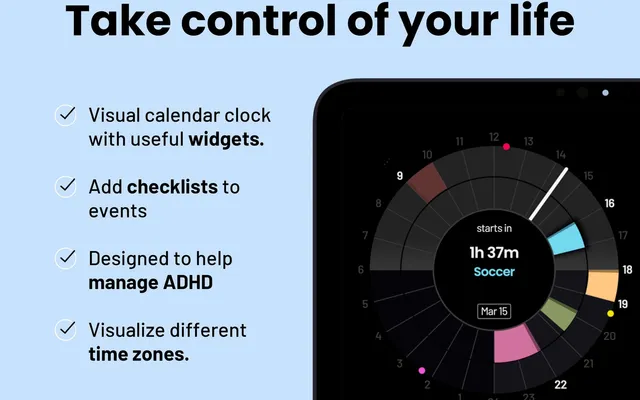
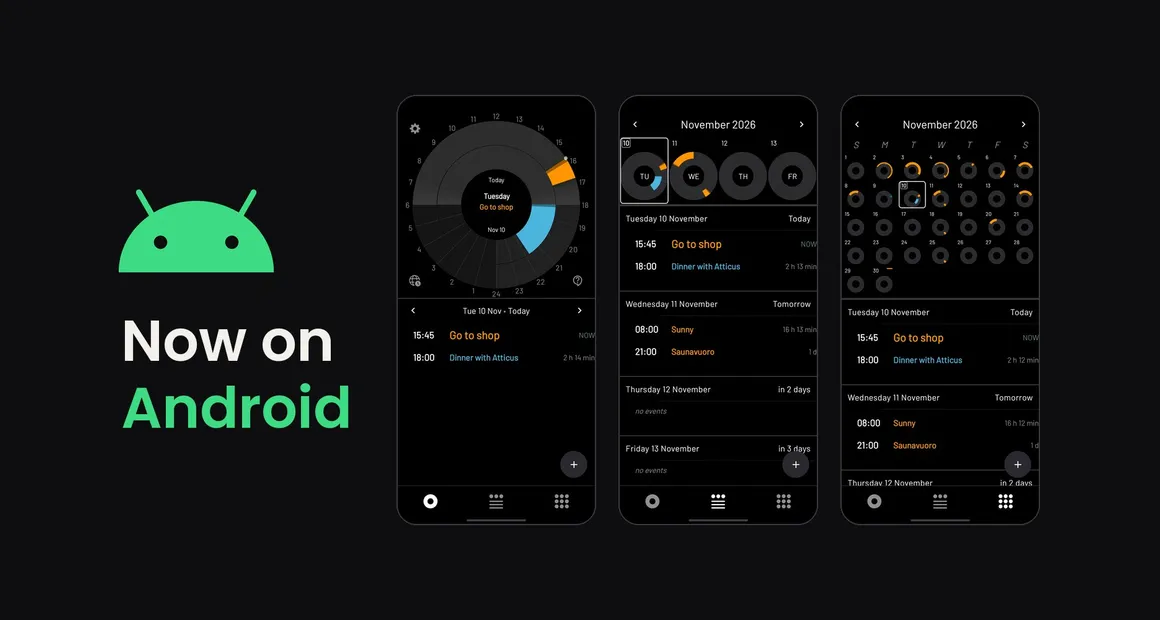
- Your whole day on one dial. All 24 hours in a single circle. Events show as coloured segments, a hand marks the time right now, and your next event sits in the middle with the time left until it starts.
- Week and month views. Step back from today and see every day as its own small dial, with your upcoming events listed underneath.
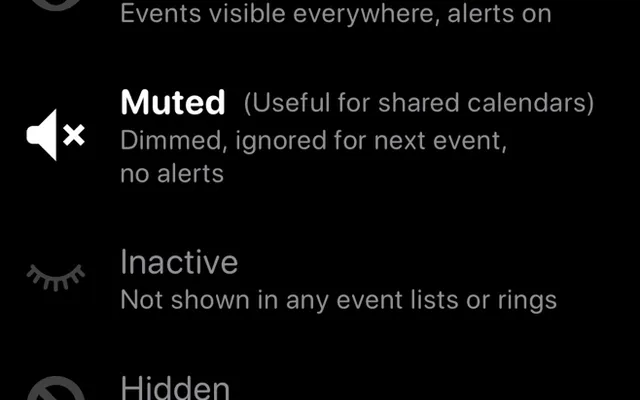
- Two calendar rings. Keep your own calendars in the outer ring and other people’s in the inner ring. Switch off the calendars you don’t need to see.
- Your Google calendars. Weel shows the Google calendars already on your phone, so there is nothing to move or re-enter.
- Set it up your way. Choose what sits at the top of the dial, pick your time format, switch between light and dark, and turn travel time on or off.
- Three languages. English, German and Spanish.
What’s not there yet
The iPhone app has been around since 2021, and the rest of this site describes it. Not all of those features are on Android yet. If you read about something elsewhere on this site and can’t find it in the Android app, it hasn’t been brought over yet.
We’re adding features from the iPhone app with each release. The Android page always shows what the current version includes.
Free, with Weel Pro if you need more
Weel is free to download and use. Weel Pro adds more calendars and recurring events, and you can try it free for 7 days.
Weel Pro on Android costs less than the subscription on iPhone. The Android app doesn’t have the same set of features yet, so it shouldn’t cost the same. For you, that works out as an early adopter discount.
Why a dial instead of a grid?
If you’re new here: most calendars show time as a grid of boxes that you scroll through, and whatever is outside the boxes on screen is easy to forget. Weel shows the whole day as one fixed picture, so you can see what’s coming and how much time is left before it. We built it for people with ADHD and time blindness, and it works for anyone who wants to see their day at a glance.
There is more on the thinking behind it in Why a 24-hour analog clock?
Tell us what to build next
Early feedback decides what we fix and build first. If something is missing or behaves oddly, tell us. We read everything.
And if you like it, a rating on Google Play helps more than you’d think. A new app with no ratings is hard to find, and the first few matter most.
Get Weel Planner on Google Play
The Android robot is reproduced or modified from work created and shared by Google and used according to terms described in the Creative Commons 3.0 Attribution License.