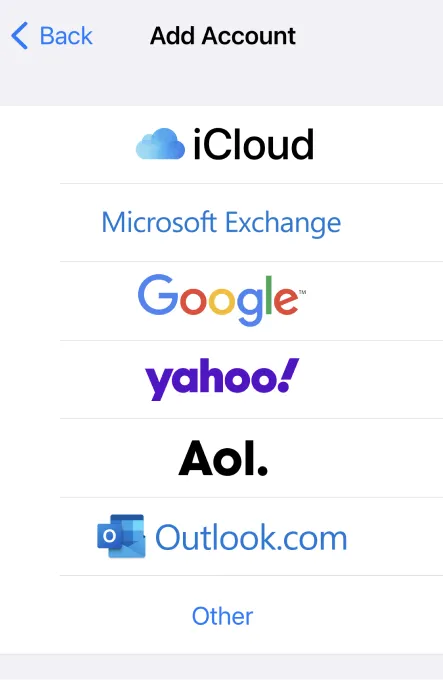
Add Google, Outlook and Exchange calendars to Weel Planner
Weel leaves your data safe in iCloud by syncing with whatever your native Calendar app has access to. (Weel itself stores none of your data.)
Here's a video of how to add Google Calendar, Outlook, or other calendars to your iPhone, so that Weel can display them:
Don't like video? Scroll down for screenshots.
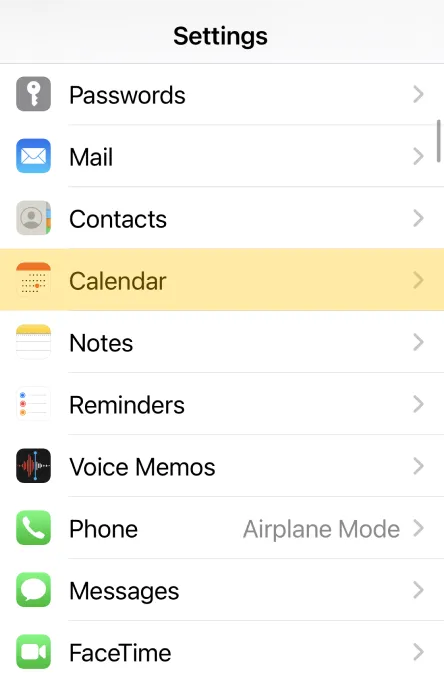
1. Open iOS Settings and tap Calendar
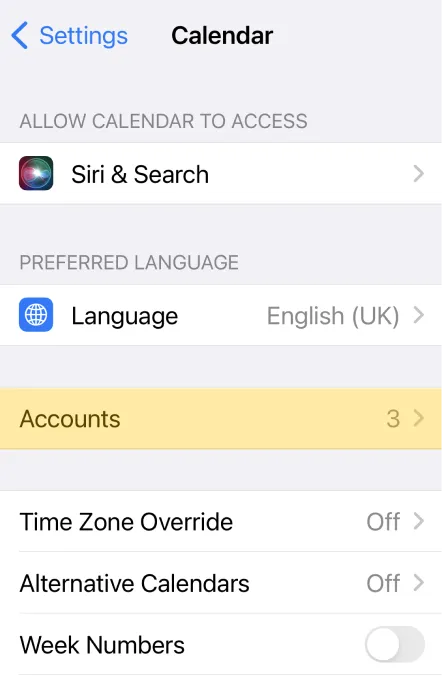
2. Tap Accounts
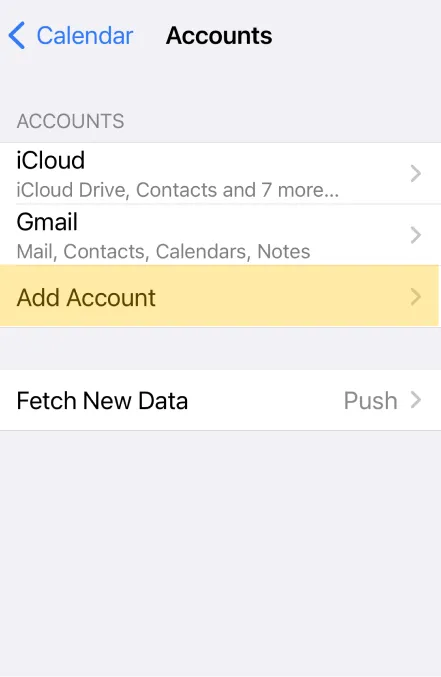
3. Tap Add Account
4. Choose your account and log in